The following instructions describe how to set up and run injectors on Linux systems without the a full Eggplant Performance installation. The instructions are divided into the following tasks:
Step by Step: Install the Injector
- Verify that the machine on which you want to install the injector meets the system requirements as described in Injector Installation.
- Download the latest Eggplant Performance Injector (Linux) installer from the Eggplant website:
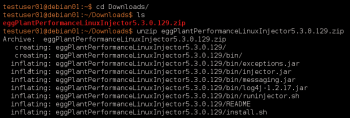
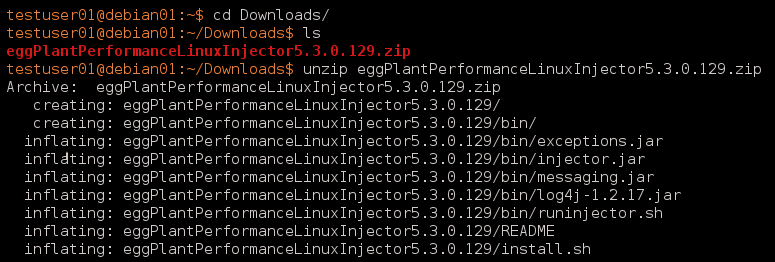
unzip eggPlantPerformanceLinuxInjector<version>.zip
- Unzip the downloaded .zip file.
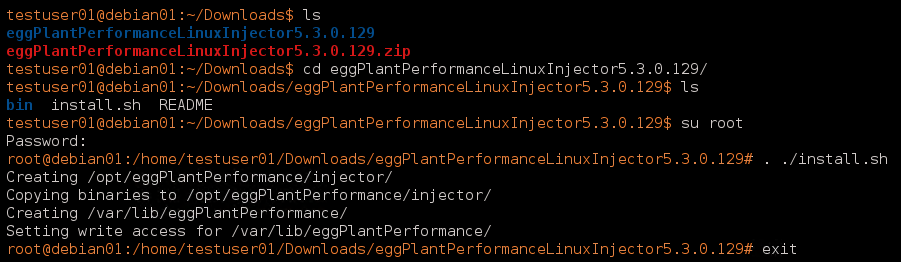
- Using a user with root privileges, run install.sh inside the unzipped directory:
. ./install.sh
Note:You must be running as a user with root privileges to run install.sh, because it creates directories in /opt and /var.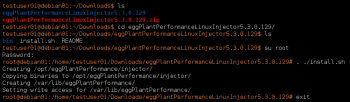
Running the Injector
- Run runinjector.sh inside the bin folder in the unzipped directory:
. ./runinjector.sh
You do not need a user with root privileges to run the injector.

- Specify the port on which you want the injector to listen for connections from the Test Controller machine by passing it as a parameter to runinjector.sh as shown with port 39001 in the sample screen below:
. ./runinjector.sh <port>
Where <port> is the port on which you want the injector to listen.



 Eggplant.io | Documentation Home | User Forums | Support | Copyright © 2019 Eggplant