Verify Title Rule
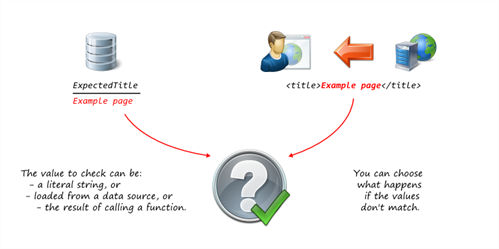
The Verify Title rule is useful for checking whether the server has responded with the correct page, and taking corrective action or reporting an error if not.
The title is the text inside the <title></title> tags within the <head> section of an HTML document.
Related:
Example script code changes (Java)
try (Response response1 = request1.send())
{
....
}
Changes to the following:
try (Response response1 = request1.send())
{
response1.verifyTitle("Example page", ActionType. ACT_WARNING);
....
}
Generation Rules Wizard Pages
Set the expected title page
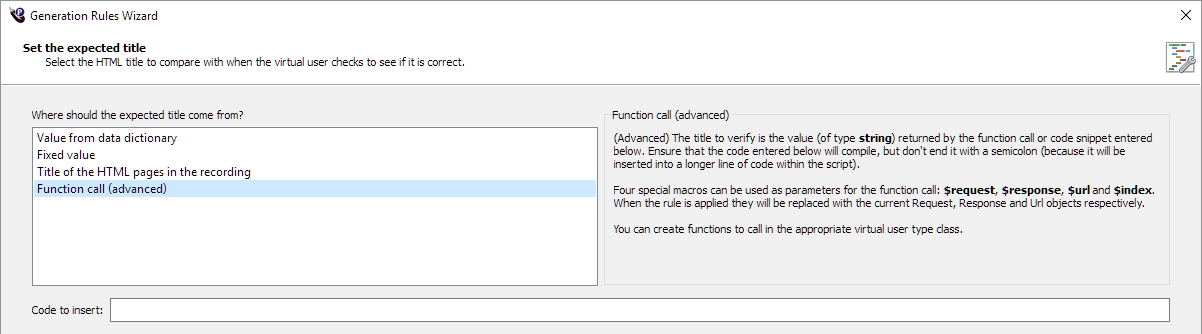
The Set the expected title page allows you to specify what the HTML title should be compared with when the virtual user checks to see if it is correct, and choose from where you want to obtain the expected title.
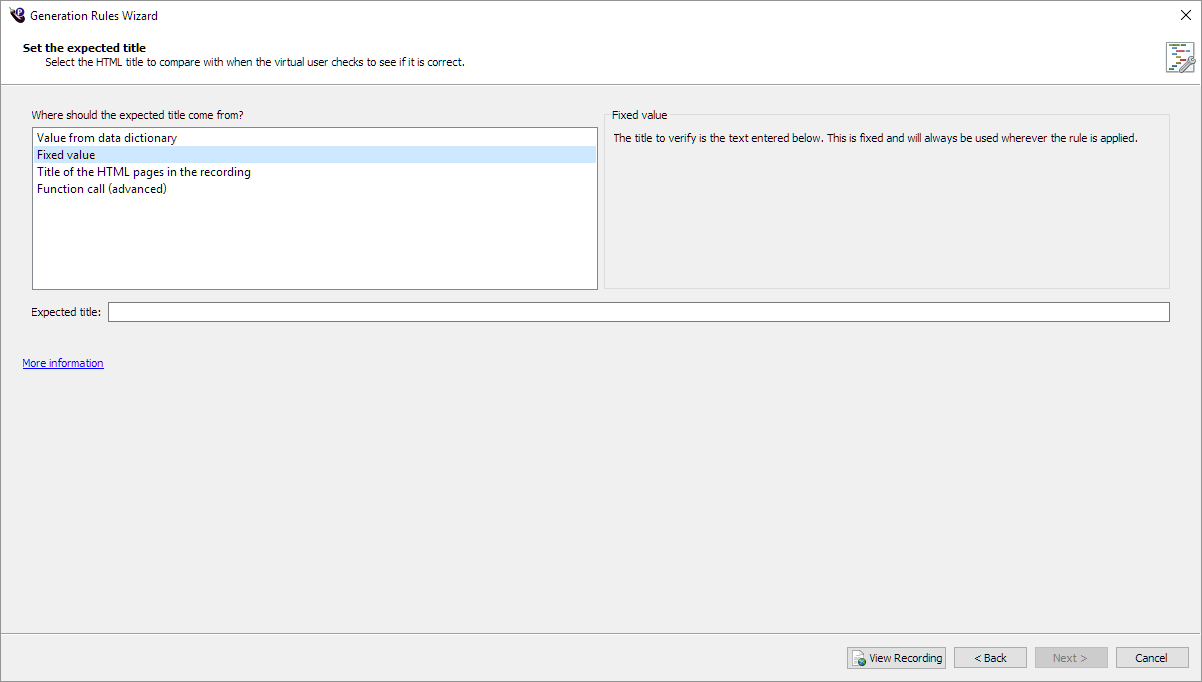
- Choose from where you want to get the expected title. The Set the expected title page changes depending on the option you select:
- When you finish with the Set the expected title page, click Next. The common Success/failure options page opens so you can specify what action to take if the title matches or doesn't match.
- Proceed through the wizard, the common pages Create Request Filter and Rule Name and Summary follow.
Value from dictionary: If you select the Value from dictionary option, the Set the expected title page changes to provide a Key field for you to enter value from your data dictionary.
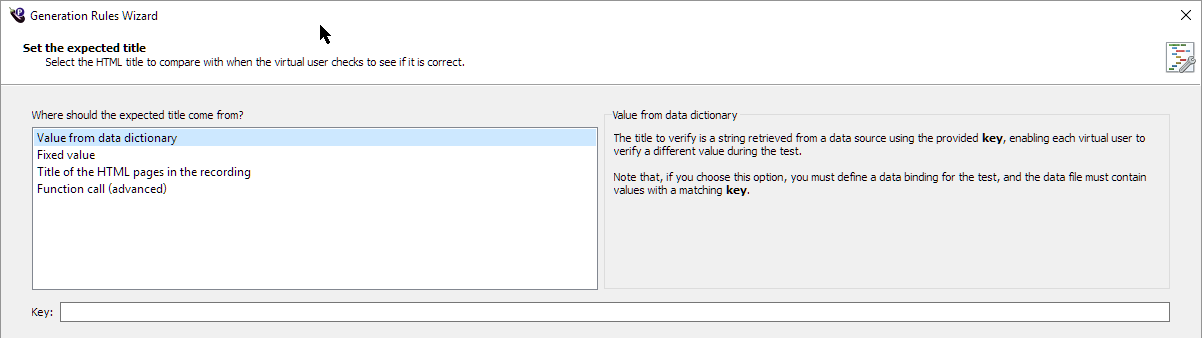
The title to verify is a string retrieved from a data source using the provided key, which enables each VU to verify a different value during the test. For information about VU data dictionaries, see The Virtual User Data Dictionary. You must enter a value here to proceed through the wizard.
Note: If you choose this option, you must define a data binding for the test, and the data file must contain values with a matching key. For information about defining data bindings at the test level, see Data Source Bindings.
Fixed value: If you select this option, the Set the expected title page changes to provide a Fixed value field for you to enter the value you want. You must enter a value here to proceed through the wizard.
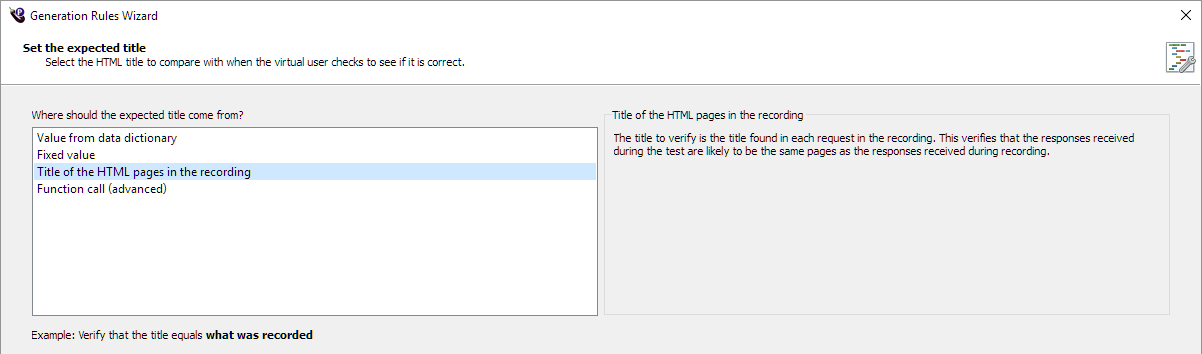
Title of the HTML pages in the recording: This option verifies that the server is returning the same pages (if they have the same title) as the responses received during recording. If you select this option, you do not need to enter any information. You can proceed through the wizard.
Function call (advanced): If you select Function Call, the Set the expected title page changes to provide a Function call field for you to enter a function call. You must enter a value here to proceed through the wizard.
 Eggplant.io | Documentation Home | User Forums | Support | Copyright © 2019 Eggplant