The Eggplant Citrix Recorder provides a way to create a recording based on data captured by a Citrix server. It communicates with the server by acting as a Citrix client.
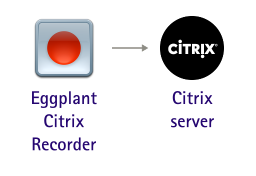
The first step is to set the connection properties for the recorder to connect to the Citrix server. See Connecting with a Citrix ICA File for more detailed information.
After filling in the Connection properties, click OK to open the Citrix Recorder dialog. See Using the Citrix Recorder for more detailed information.
 Eggplant.io | Documentation Home | User Forums | Support | Copyright © 2019 Eggplant