Overview
Eggplant Test provides the Remote Desktop Protocol (RDP) connection type for use with systems under test (SUTs) running Microsoft Windows and Linux systems. RDP is a native Windows remote connection method. It requires enabling the Windows systems you want to use for SUTs to receive RDP connections.
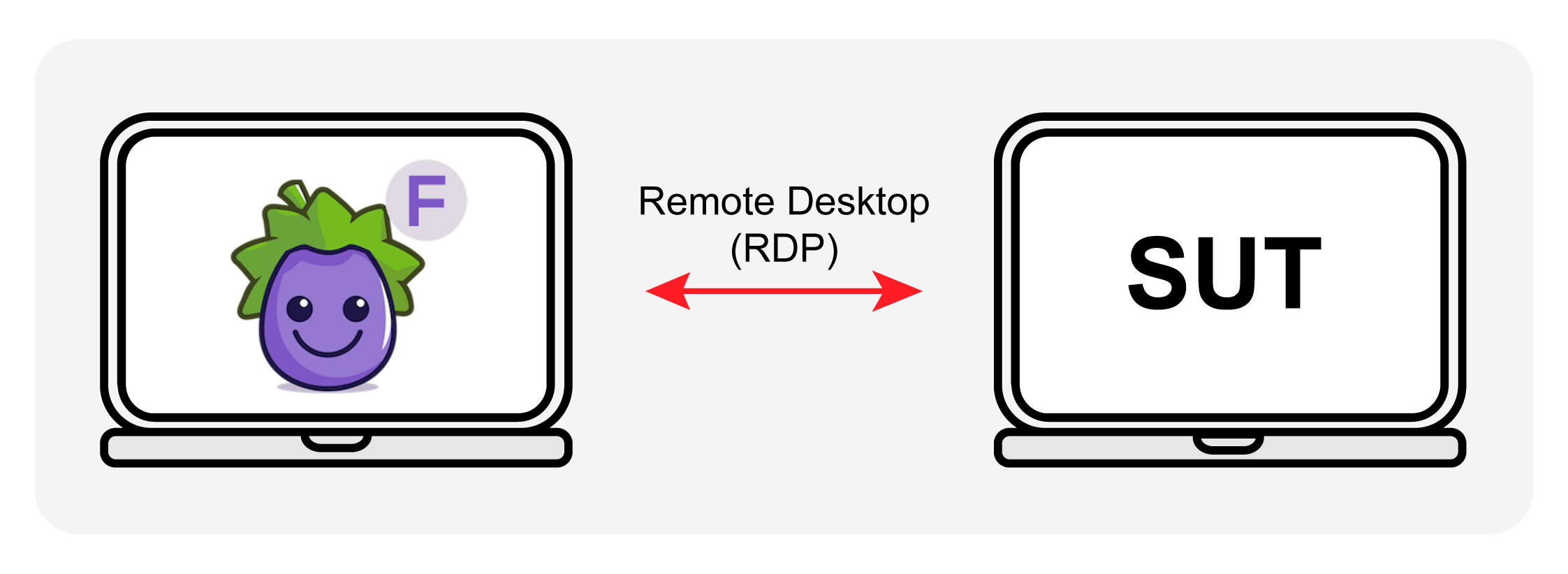
Use the RDP connection type to connect the system running your Eggplant Test application to a remote system under test (SUT) with the native Windows remote connection method: Remote Desktop Protocol (RDP)
Before you can use an RDP connection, you must prepare the Windows system you want to use as a SUT to receive RDP connections as described in Enable Remote Desktop on the Windows SUT, and configure it to use at least Transport Layer Security (TLS) version 1.2. (Current Versions of Eggplant Test applications do not support the deprecated TLS 1.0 and 1.1 standards. For more information, see RFC 8996: Deprecating TLS 1.0 and TLS 1.1.)
You can only use the RDP connection type to connect to Windows and Linux systems as SUTs. However, you can use it from Eggplant applications running on any supported platform (Windows, Mac, or Linux).
Customizing RDP Connection Options
The RDP connection type provides several options you can use to customize your connection, including:
- Display of multiple monitors within a single SUT viewer window
- Smart Card authentication
- Built-in RDP security options
Audio Support through RDP
Using the RDP connection, you can play audio on SUTs over RDP connections by manipulating the SUT through the Eggplant Functional (EPF) Viewer window. For example, you can push the play button in a music app to play music.
Please note there are no SenseTalk commands to enable scripted interaction to play audio on the SUT. There are, however, SenseTalk commands available to play audio on the Eggplant Test client machine, or to detect sound playing on the SUT.
The RDP audio capability became available in EPF version 23.3.1. Previously, you could not play audio on SUTs. For example, on Windows, you would see a disabled sound device on the desktop taskbar.
RDP Compared with VNC Connections
RDP is generally faster than VNC, so you are likely to see less latency when working remotely through RDP. Additionally, unlike VNC, you do not have to install anything additional on the Windows SUT, like a VNC Server.
If you have existing scripts created with one of these connection types, you can switch to the other connection type to run the same test over the other connection type. However, note that because VNC and RDP use different methods for drawing the screen, you will most likely need to capture new images in the SUT with the new connection method before the script will run successfully.