Add a new Space
DAI gives you the option to create private, user-defined spaces. These spaces and the assets they contain are restricted to members of the spaces. Information about adding user-defined spaces is provided below.
If you want to add assets that are available to all users and spaces, you can add them in the DAI Shared space. There is a shared space in all DAI instances. For more information, about the Shared space or the resources that belong to a space, see About DAI Spaces.
Add a new User-defined Space
To add a new space, you must use an account with the Admin Role (dai:admin) assigned to perform the steps below:
-
Log into Eggplant DAI with your Admin user account.
-
Go to Spaces > New space. The New space page is displayed.
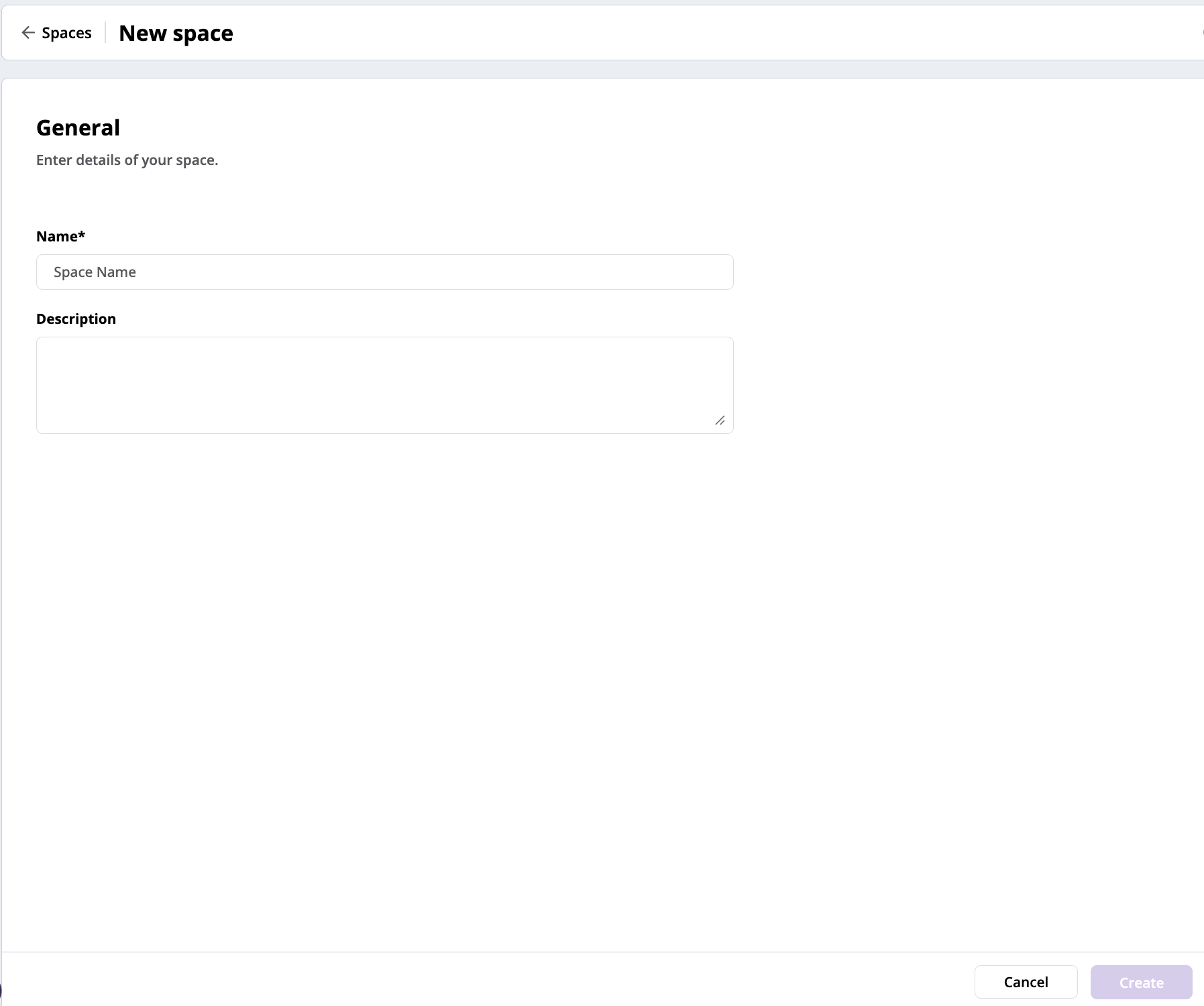
The New DAI Space page
-
Enter a name for your new space. This is a mandatory field.
-
Enter an optional description of the space.
-
Click Create to create the space. A summary page appears. You can manage members or add assets from existing space here, but you can also do those later from Manage a Space page.
-
Start using the space by selecting Enter space at the bottom right-corner of the page. You can also go back to spaces listing page by selecting View all spaces.